
How it works
From the card to the voucher: what happens to a donation, where the money goes and how much reaches the person.
From the card to the voucher
The organisation hands out the card
A non-profit organisation gives the card to people it already supports. The card holds only a link: no personal data.
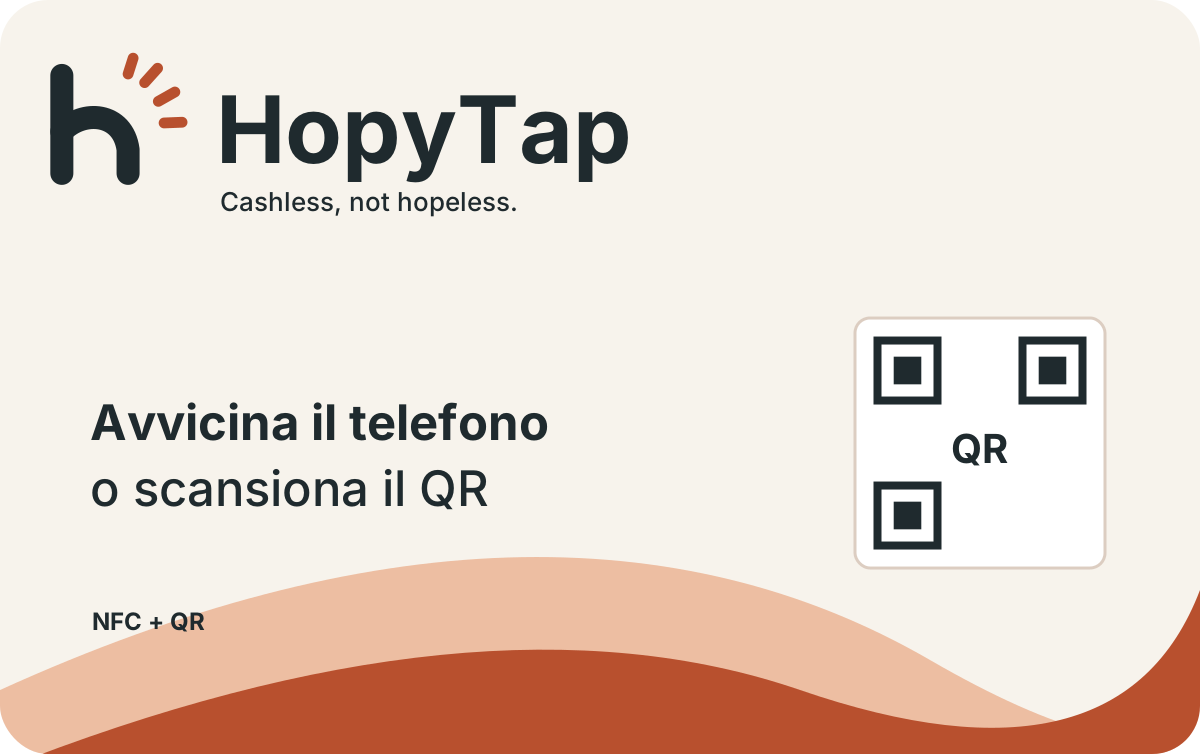
Graphic example Passers-by donate with their phone
Tap or scan the card, see the organisation’s name and the person’s chosen name, pick an amount and pay with Apple Pay, Google Pay or a card.
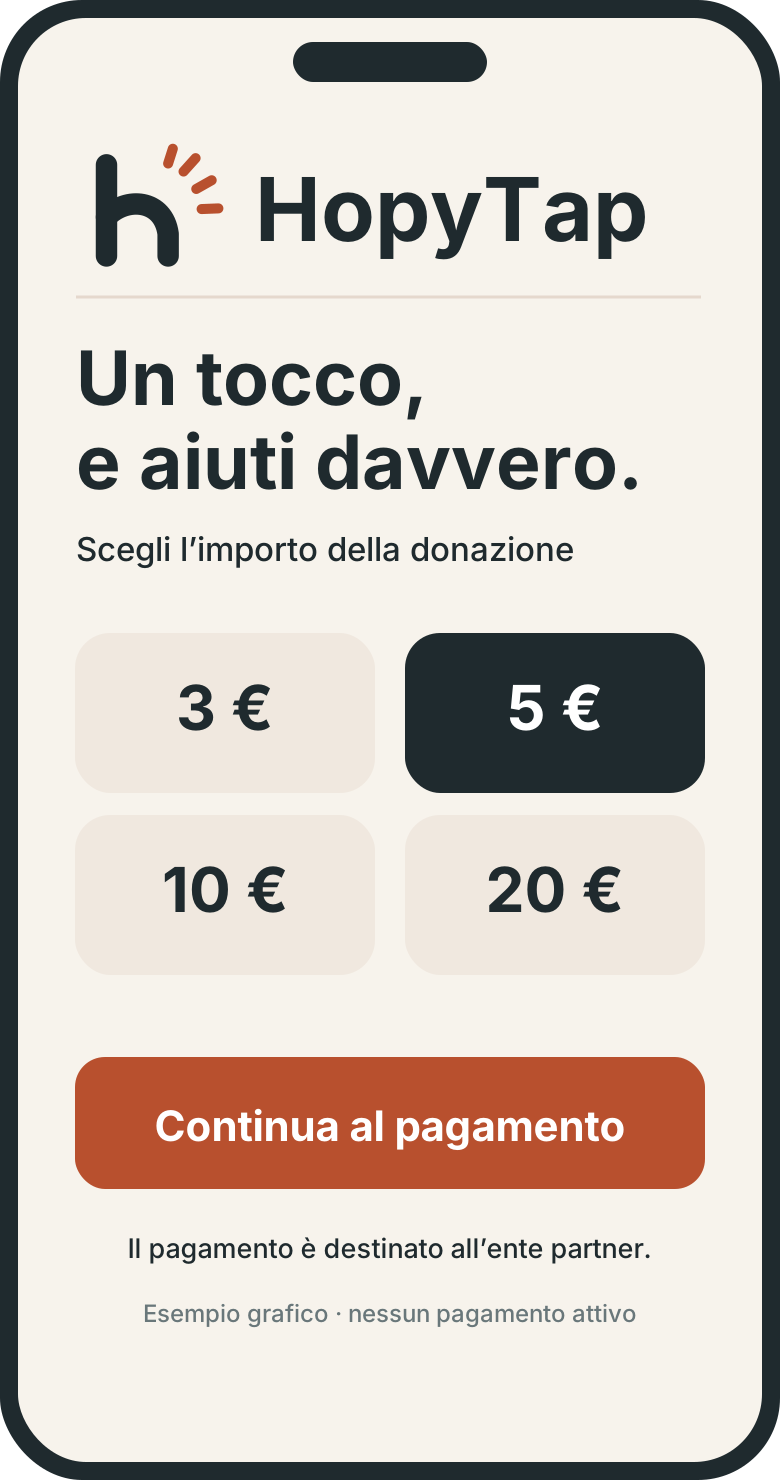
Graphic example The money goes to the organisation
The payment goes straight to the organisation’s account, through Stripe. The organisation credits the donation to the person’s virtual wallet.
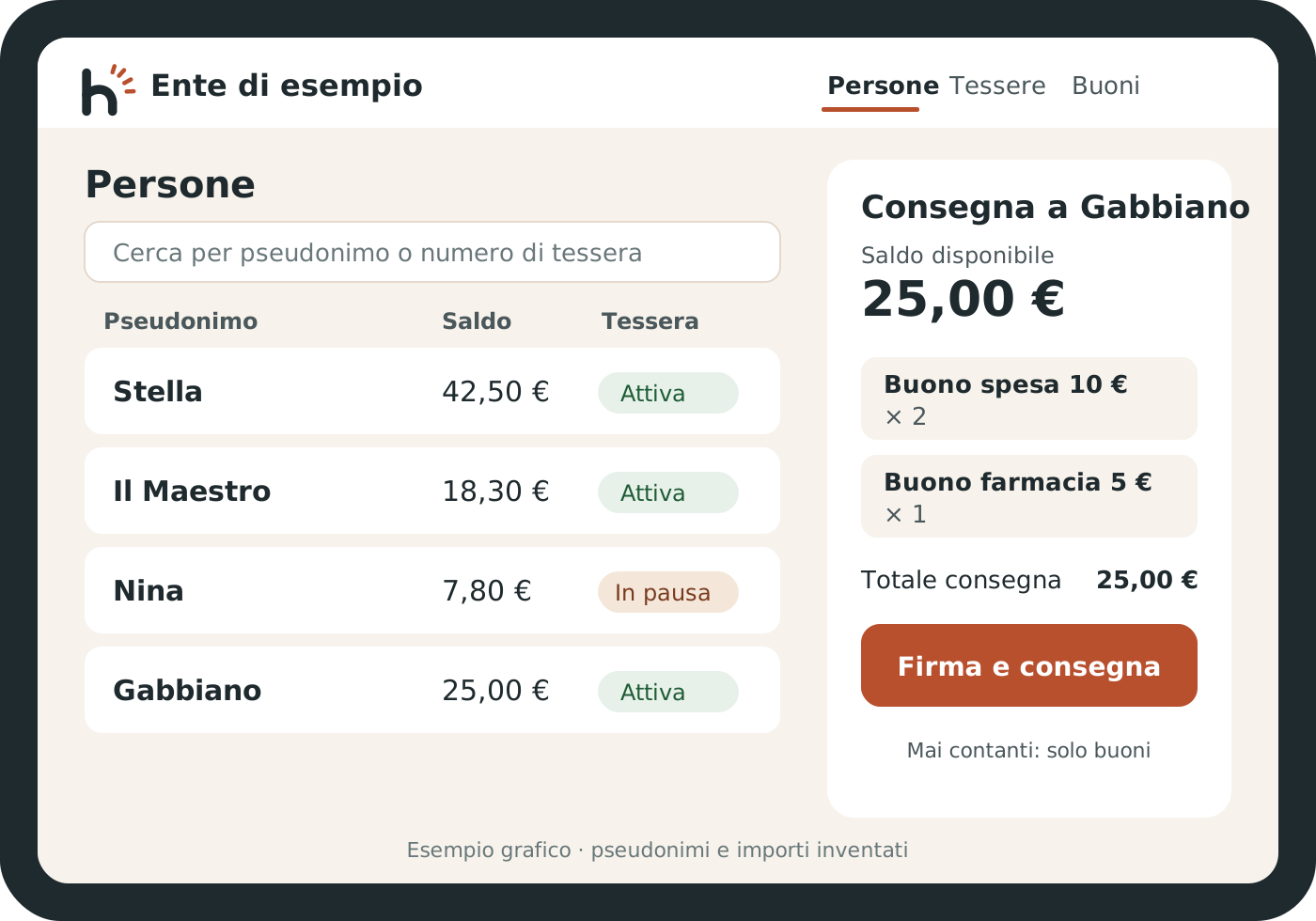
Graphic example The person collects it in person
When the person visits, a staff member turns the balance into grocery and pharmacy vouchers. Never cash.
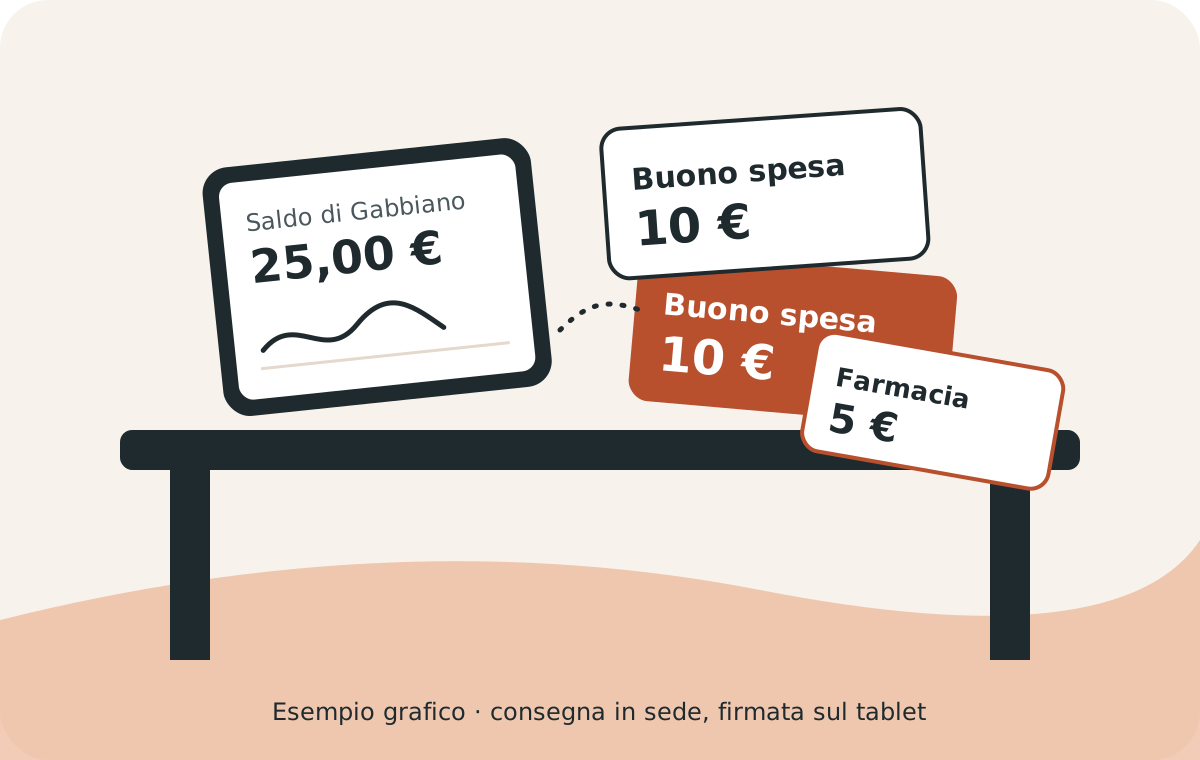
Graphic example
We are preparing a second option: a prepaid card in the organisation’s name, usable only in permitted shops. It will be available once the payment provider enables it.
Where the money goes
Donations go to the organisation’s account, and the organisation owns them. HopyTap neither receives nor holds donations: at payment time Stripe deducts the platform fee and pays it to HopyTap.
Stripe is the authorised institution that processes card payments.
- The donor pays 10,00 €
- Stripe processes the payment0,37 € to HopyTapabout 0,40 € card fee
- The organisation’s account receives the donation
- The person’s wallet: 9,23 € (estimate)
- At the centre: grocery and pharmacy vouchers
An example with 10,00 €
This is how a donation is split. You see the same breakdown on the page, before you pay.
| Part | Amount |
|---|---|
| HopyTap platform (3% + VAT) | 0,37 € |
| Card fee, kept by Stripe (estimate) | 0,40 € |
| To the person, as vouchers (estimate) | 9,23 € |
The card fee depends on the card used: here it is estimated for a standard European card (1.5% + 0,25 €). Non-European or business cards cost a little more.
The people
People do not receive cash and do not need a bank account or ID. The page shows only the organisation’s name, a chosen name and, if the person wants, a goal.
Are you an organisation? About the programme